
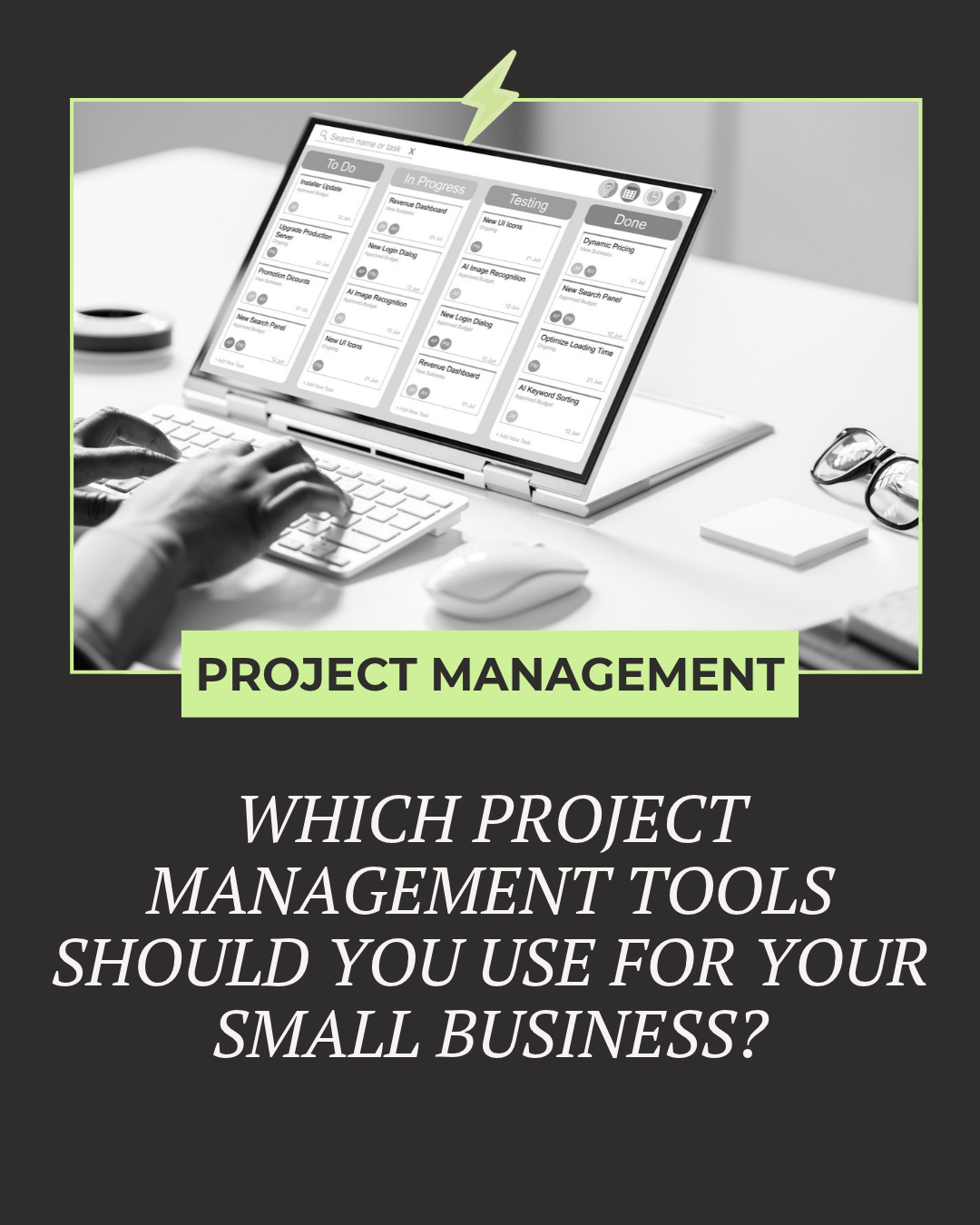
Which Project Management Tools Should You Use for Your Small Business in 2026?
Updated October 2026
As a small business owner, you’ve probably asked yourself, “Which project management tools should I use?”
Or maybe, “Is project management software really worth it?”
In today’s fast-paced world, not only large companies need these tools—small businesses, solopreneurs, and startups also benefit
.
The best project management tools for small businesses in 2026
At The Boutique COO, we work with businesses across various industries and sizes.
A good project management system can be a game-changer in managing client deadlines, coordinating a team, or organizing projects.
Let’s look at the top project management tools for small businesses in 2026.
IMPORTANT NOTE: These are in no particular order, since the right project management tool for your business depends on your industry, business size, and use case.
Project management tools at a glance
Asana: visual planning and tracking, including complex workflows.
Trello: simple, card-based task management.
ClickUp: highly adaptable project management.
Monday: flexible, visual boards for creative and collaborative teams.
Notion: note-taking and project management in one place.
Basecamp: small teams who need easy collaboration.
Smartsheet: data-heavy projects, inventory management, and logistics.
Airtable: a visual, flexible approach to managing projects.
1. Basecamp
Basecamp is ideal for businesses looking for a simple, no-fuss platform to manage communication, to-dos, and file sharing. It keeps everything centralized, which can reduce the constant back-and-forth of emails.
Pros: Straightforward setup and easy communication tracking.
Cons: Lacks some advanced project management features.
Best For: Small teams who need easy collaboration without unnecessary complexity.
For businesses wanting simplicity over complicated features, Basecamp may be the right fit.
2. MinuteDock
If time tracking is essential to your business, MinuteDock will streamline your processes, especially for service-based businesses.
Best for: service-based businesses that bill clients by the hour.
Highlights:
Seamless integration with accounting software (e.g., Xero and QuickBooks).
Perfect for businesses billing clients by the hour.
While the interface is simple, some users feel it could be more intuitive. However, if you’re running a time-billing business, like a consultancy, MinuteDock can be an invaluable asset.
3. Needles
Needles is explicitly designed for law firms, offering all-in-one case management to keep client data and documents in one place.
Best for: law firms that need all-in-one case management.
Perfect for:
Legal professionals managing case workflows.
Firms looking to reduce paperwork clutter.
Heads-up: There’s a steeper learning curve with Needles, especially for non-legal users. However, once mastered, it can streamline a lot of the back-office processes for law firms. If you’re in the legal field, check out Needles.
4. Workfront
For businesses handling complex projects with multiple moving parts, Workfront is a powerhouse platform.
Best For: Larger teams needing workflow automation and detailed reporting.
Pros: Advanced features that scale with your business.
Cons: It can feel overwhelming for smaller teams.
If you need more advanced project planning and reporting, Workfront could be a valuable addition.
5. Monday
Monday is known for its flexible, colorful interface. It’s particularly popular with creative and collaborative teams.
Best for: creative and collaborative teams that want a flexible, visual interface.
Key Benefits:
Customizable task boards.
Intuitive design, making task tracking fun and engaging.
Although some users find the initial setup overwhelming, once configured, Monday offers a versatile project management experience.
6. Notion
Notion provides a blend of note-taking and project management, ideal for teams that need flexibility in organizing their tasks and ideas.
Best For:
Small teams need a balance between idea organization and task management.
Freelancers managing both creative and administrative work.
Its customization options are endless, but that can be a double-edged sword. Some find it too complex for simple task management. Notion thrives when flexibility is your top priority.
7. Smartsheet
If you’re familiar with Excel, Smartsheet will feel like home, with added project management capabilities.
Best For: Data-heavy projects, inventory management, or logistics.
Pros: Powerful for businesses that require detailed reporting.
Cons: Can feel technical and less user-friendly compared to others.
If advanced reporting and automation are key for your business, try Smartsheet.
8. Clio
Clio is a cloud-based legal practice management tool perfect for attorneys looking for an all-in-one solution for managing their law firms.
Best for: attorneys and law firms that need an all-in-one practice management tool.
Pros: Simple interface, with tools tailored to legal needs.
Cons: Advanced features may require add-ons.
If you’re running a legal practice, Clio can help you stay organized without the typical headaches.
9. ClickUp
ClickUp is one of the most customizable platforms on this list, offering features like task management, goal tracking, and collaboration tools.
Best For: Businesses looking for a highly adaptable project management tool.
Pros: Wide array of features and customizations.
Cons: It can be overwhelming to learn at first.
If you want a tool that grows with your business, ClickUp is worth considering.
10. Trello
Trello’s visual, card-based system is perfect for businesses that need simple task management.
Best for: businesses that need simple, card-based task management.
Why it’s popular:
It is super user-friendly, even for beginners.
Great for teams or individuals that don’t need complex project features.
If simplicity is key, Trello is an excellent choice for small businesses and solopreneurs.
11. Asana
Asana offers a highly visual way to manage projects, helping businesses of all sizes plan and track their tasks efficiently.
Best for: teams that want a visual way to plan and track tasks, including complex workflows.
Pros: Feature-rich, ideal for managing complex workflows.
Cons: Some advanced features can get tricky to navigate.
For businesses needing a solid balance between simplicity and advanced functionality, Asana is worth exploring.
12. Airtable
Airtable offers a unique blend of spreadsheets and databases, making it highly flexible for creative or product-based businesses.
Best For: Teams needing a visual, flexible approach to managing projects.
Pros: Great for organizing creative work.
Cons: It can feel too lightweight for detailed project tracking.
If you’re juggling creativity and organization, Airtable could be your go-to tool.
Project management tools FAQ
What is the best project management tool for a small business?
It depends on your team size and workflow. Trello works well for simple task boards, ClickUp suits teams that want more customization, and Asana fits more complex workflows.
Is there a free project management tool?
Several tools in this list offer a free plan, but free plans change often. Check each vendor’s current pricing page before you commit.
How do I get my team to use a new tool?
Start with one workflow, document it, and review it with your team each week.
Need Help Choosing the Right Project Management System for Your Small Business?
Choosing the perfect project management tool for your business doesn’t have to be overwhelming. Whether you’re leaning towards something simple like Trello or need the depth of ClickUp, the right tool depends on your business’s unique needs.
Once your project management tool is in place, give your customer data the same care following CRM best practices keep your pipeline clean and your follow-ups on track.
Not sure which system fits? Our business operations mini audit shows where your workflow needs support.
Whichever tool you choose, write down how your team will use it. Our guide to SOP documentation shows how to make high-quality SOPs.
If you want someone to set the tool up, our admin and office support team can help.
The Boutique COO is here to help.
Book a strategy chat with us today, and let’s make sure you find the tool that aligns with your workflow.
We can guide you through setup and integration, as well as ensure you get the most out of your choice so you can focus on what matters most: growing your business!